
A new model configuration for double wood resolution, a mobile overhaul for offline data collection, faster load times, and more.
This month's release is a big one. The headliner is Transfer Management, our new Katapult Pro configuration for ongoing double wood resolution. Plus a major mobile sync overhaul, faster load times, and a few new tools and bug fixes.
Transfer Management
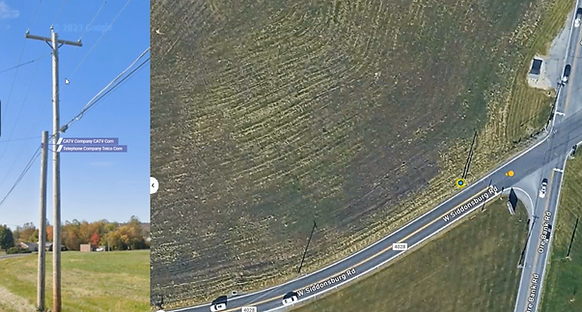
Transfer Management is a new Katapult Pro configuration for ongoing double wood resolution programs. Read the full announcement here.
Mobile Offline Sync Overhaul
A new Job Sync Overview tab on Mobile shows every offline job, unsaved changes, and upload progress in one place. You can clear jobs, recover data, or send a copy to support directly from the page, and inactive jobs clean up automatically once they've synced to the database.
Database Performance Improvements
Jobs and the job list load noticeably faster after a round of fixes to long-standing performance issues. More performance work is in active development.
Expected Measurement Area
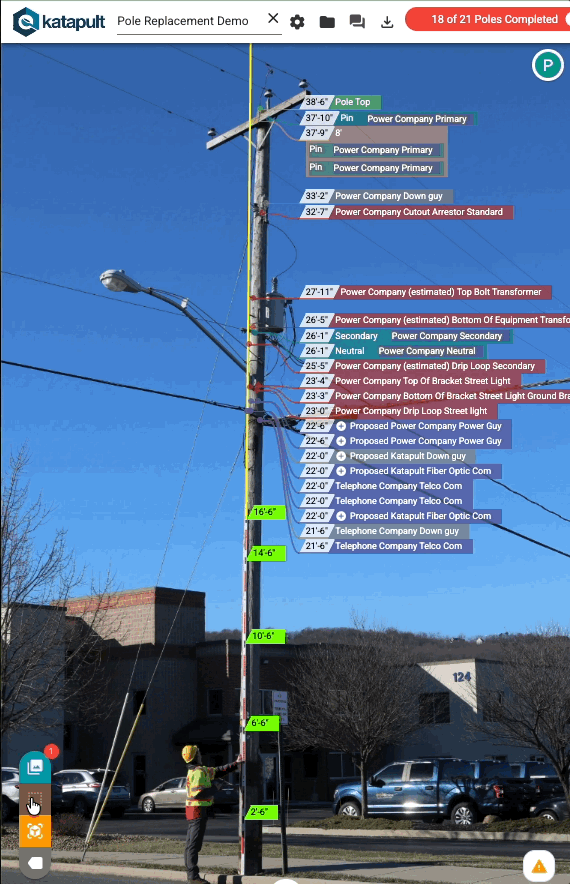
A new overlay on photos highlights zones where height measurements may have reduced accuracy, so you can spot questionable heights before they become problems downstream. Toggle it on when you want to QC photo-derived measurements.
Resizable Node Info Panel
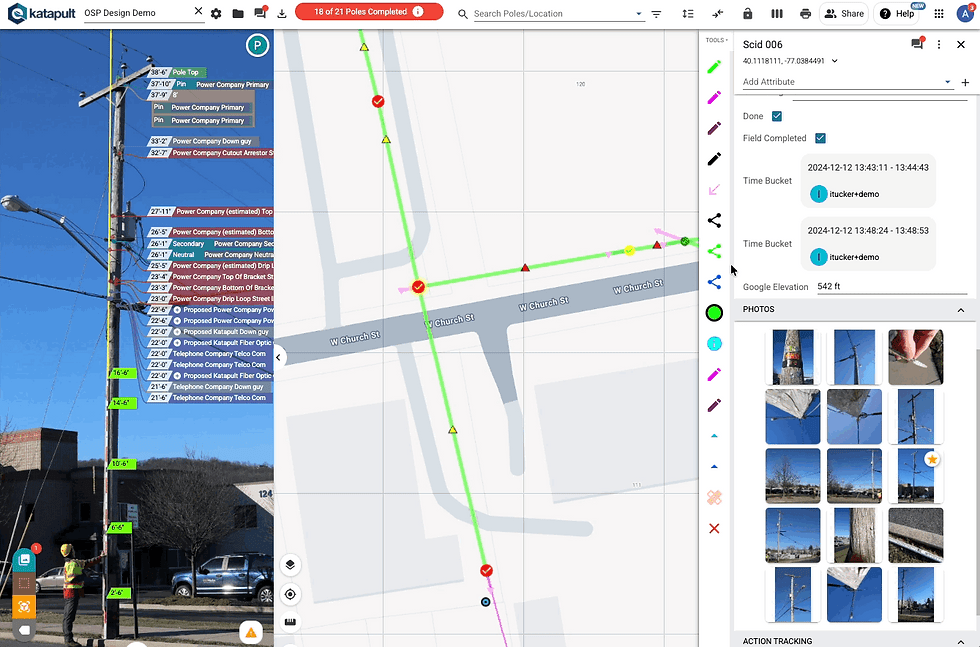
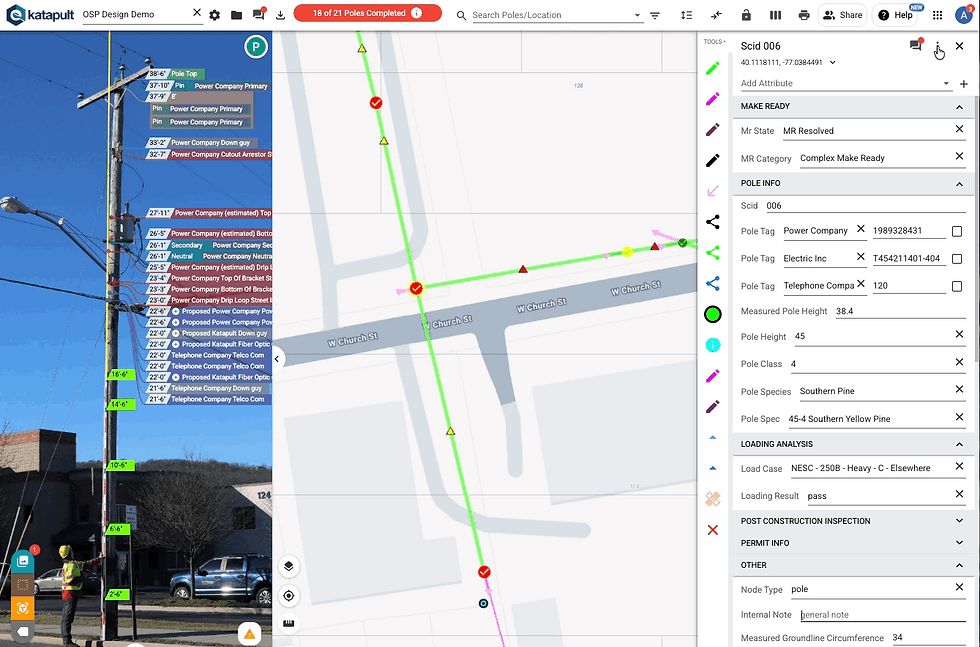
Drag the edge of the Node Info panel to make it wider, and your preferred size sticks across tabs. Double-click to reset to default.
Attribute Info Tooltips
Add descriptions and documentation links to attributes in the Model Editor, then toggle them on in the Node Info panel when you need them. Useful for onboarding new team members or for anyone working in unfamiliar parts of a model.
A full list of updates is available when you sign in to your account. Contact support@katapultengineering.com with any questions.
We're excited to see what your team does with these new features!
.png?width=680&height=1008&name=pole-no-bg%20(1).png)